Understanding Git:
Version Control Demystified
September 28, 2023
By Toluwalope Coast
5 mins read
In the world of software development, version control is an essential concept that can make or break a project. It is the backbone of collaboration, allowing multiple developers to work simultaneously on the same codebase while tracking changes, resolving conflicts, and ensuring the project's integrity. At the heart of modern version control systems is Git, a powerful and widely adopted tool. In this blog, we will demystify Git and help you understand its basic concepts and benefits.
Version control, often called source control or revision control, is a system that manages changes to files over time. This helps keep track of who made changes, what changes were made, when they were made, and why they were made. These details (often called histories) are valuable for many reasons:
Git is a distributed version control system “DVCS” designed by Linus Torvalds in 2005. Unlike centralized version control systems such as Subversion (SVN) or Perforce, Git does not rely on a central server to store information about the entire history of a project. Instead, each developer has a complete copy of the project history on their local machine. This distributed nature provides several advantages:
Developers can work on their code and commit changes without an internet connection.
If a central server goes down, the entire project's history is not lost, as every developer's local copy contains the complete history.
Git excels at managing branches and merges, allowing developers to experiment and work on features independently before integrating them into the main codebase.
To understand Git, you need to grasp some key concepts:
Here's a simplified overview of a typical Git workflow:
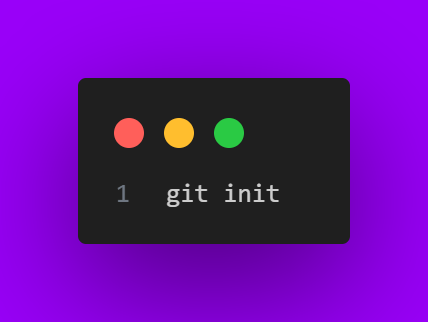
Start a new repository
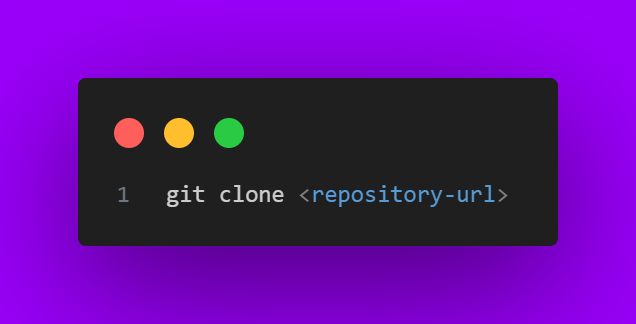
Clone an existing repository: clone a repository to your local machine using the repository url
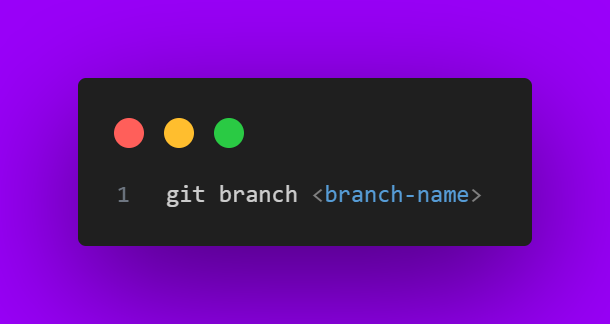
Branches allow you to work on different features or fixes independently. They enable parallel development without interfering with the main codebase. I often create a personal branch for my Independent workspaces where I experiment with my logic or carry out my task without fear, to optimize my workflow, before, making a PR
of course 😉.
Do ` git branch <your-branch-name> `
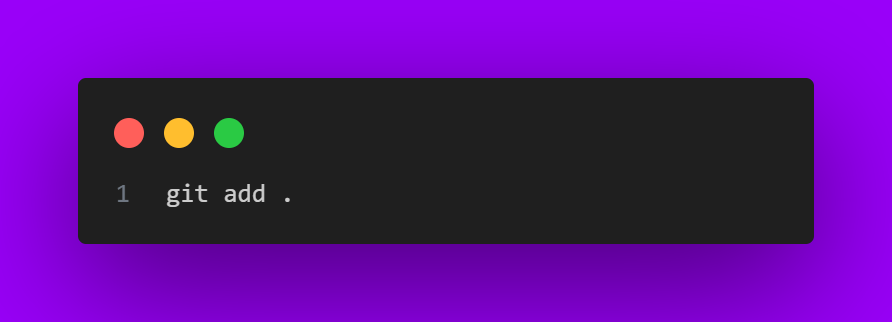
Stage your changes using ` git add ` the dot indicates the current repository that you are in
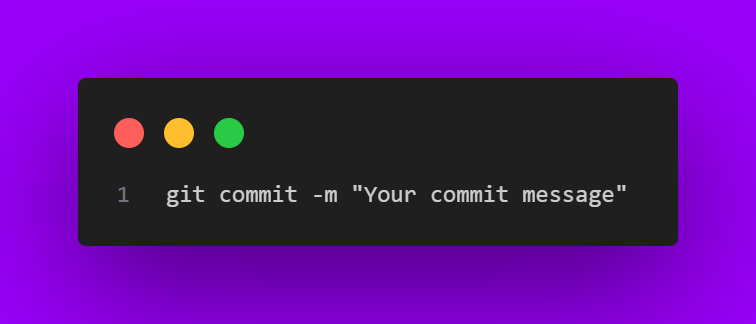
Commit them with a descriptive message using ` git commit `
To collaborate with a remote repository and incorporate changes made by others, you can use git fetch
and then either git merge
or git rebase
to integrate those changes into your local branch.
This command fetches changes from the remote repository, giving you the latest updates without making any changes in your working directory. This can be either:
git fetch < remote-repository >
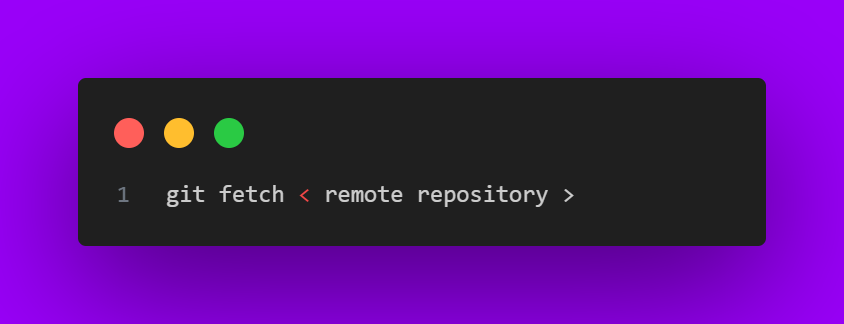
It will fetch all of the branches from the repository. This also downloads all of the required commits and files from the other repository. Or
git fetch < remote-repository > < branch-name >
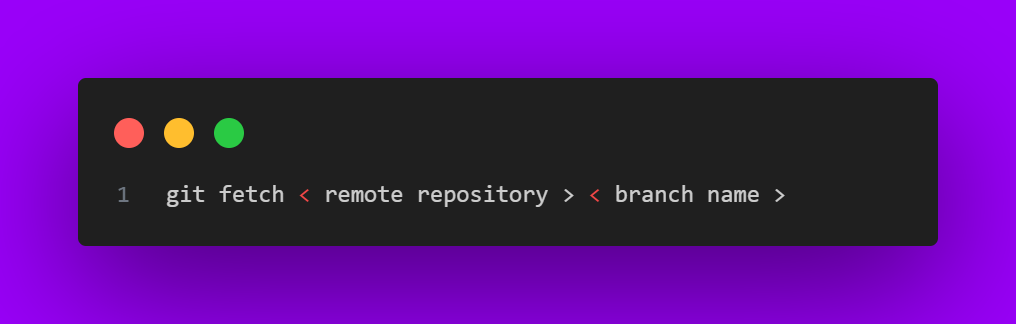
Same as the above command, but only fetches the specified branch.
After fetching, if you're ready to integrate those changes into your branch, you can use this command to merge the changes from the remote repository into your local branch.
In situations where you want to merge commit during a fast-forward-merge for documentation purposes, you can execute git merge with the --no-ff option.
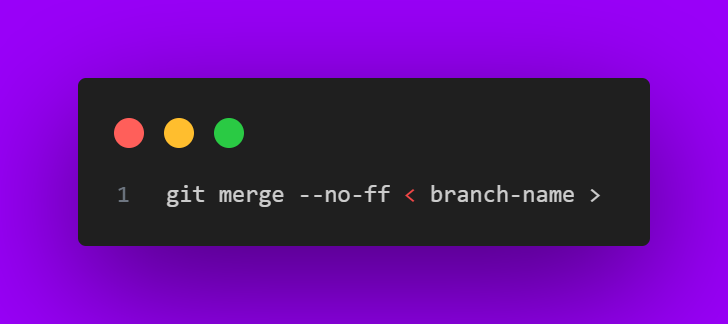
This command merges the specified branch into the current branch but always generates a merge commit (even if it was a fast-forward merge). This is useful for documenting all merges that occur in your repository.
As before, start by fetching changes from the remote repository.
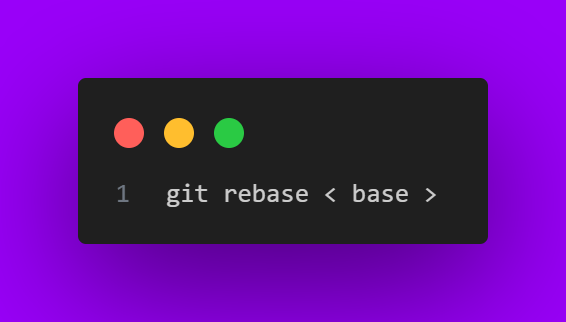
Use this command to incorporate the changes from the remote repository by placing your commits on top of the updated remote branch. This can create a cleaner, linear history.
This command merges the specified branch into the current branch but always generates a merge commit (even if it was a fast-forward merge). This is useful for documenting all merges that occur in your repository.
This automatically rebases the current branch onto <base> , which can be any kind of commit reference (for example an ID, a branch name, a tag, or a relative reference to HEAD ).
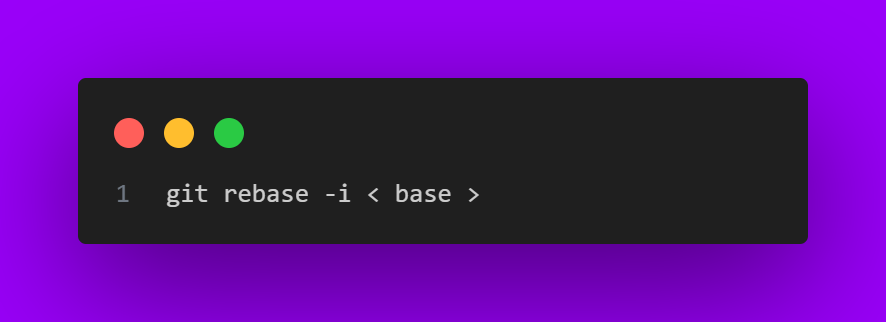
Running the git rebase with the -i flag, begins an interactive rebasing session. Instead of blindly moving all of the commits to the new base, interactive rebasing gives you the opportunity to alter individual commits in the process.
This lets you clean up history by removing, splitting, and altering an existing series of commits. It's like Git commit --amend on steroids.
We will discuss Git commit --amend in the future
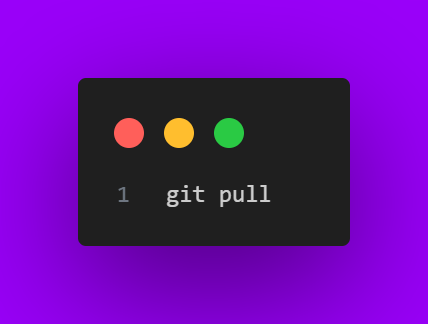
Use git pull to fetch and merge changes from the remote repository, updating your local repository with the latest code. Use git push to upload your local changes to the remote repository.
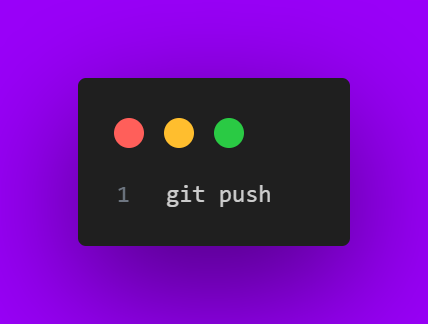
Upload your changes using ` git push ` . It uploads your local changes to the remote repository.
Download your changes using ` git pull ` . It fetches and merges changes from the remote repository, updating your local repository with the latest code
Git enables smooth collaboration among team members, preventing code conflicts and facilitating concurrent development.
With version control, you can confidently experiment and make changes, knowing that you can always revert back if needed.
Git provides a clear trail of who made what changes and when tey are made, enhancing accountability and transparency.
Git's branching model supports various strategies, like Gitflow, that optimize feature development and bug fixes.
In conclusion, Git is more than just a version control system; it's a fundamental tool that empowers developers to work smarter and collaborate seamlessly. By understanding its core concepts and workflows, you're on your way to becoming a proficient code craftsman.
Stay tuned for more insightful posts as we continue our journey of unveiling development insights with Coast Research Technology. Happy coding, and remember – every commit counts!

Thank you for reading this week's post! If you found this information useful, share it with your fellow developers and stay tuned for our next installment. Feel free to leave comments and questions below – we're here to help you on your coding voyage.



Leave a reply